Why a Cabinet Door Changes Control Only for Some Devices
A cabinet door can interfere with a media remote only when the control method depends on a signal that the door blocks, absorbs or weakens. Infrared control is commonly the sensitive case because the remote and receiver need a usable path, although reflections and external receivers can change that. Radio-frequency and Bluetooth controls do not rely on that same path, but range, pairing and obstruction still vary by device. The practical answer is not to assume either way: check the manual for the exact remote technology and receiver arrangement, then test the closed-door setup.
Door construction, glazing and fit matter more than a colour description. A finish name such as Tiger Wood is a colour designation, not evidence of solid wood or signal transparency. Ask the seller what the door is made of and whether it has glass, a coating or an open frame, because those details are more useful than the catalogue name.
Find the Receiver Before You Blame the Door
Locate the receiver on the device before deciding whether the cabinet is the problem. The receiver may be behind a dark window on the front panel, on the display edge, or in another position specified in the manual. A remote that works only when aimed high or from one side is giving you a path clue, not proof that the cabinet is unsuitable. Clear any object covering the receiver and repeat the test from your usual seat. If the manual calls for an external receiver or repeater, follow that rather than guessing.
Check Door Material and Fit, Not Just the Finish Name
Door material and fit are the cabinet checks that matter for remote control, and the seller should confirm them for the exact model. Ask whether the front is solid, glazed, louvered or open, whether the glazing has a coating, and how large the gaps are around the door. Do not infer any of this from a finish name; a wood-grain colour does not establish the material or how it behaves in front of a receiver. A glass door is not automatically a solution, because tint, coating, framing and receiver position can still affect control.
Test the Closed-Door Path in Your Own Room
Test the remote in the room where the cabinet will stand, using the door, seating position and device you actually intend to use. With the door open, confirm which buttons respond; close the door and repeat from the same seat, then from the angles you normally use. Note whether the problem is every command or only some, and whether a small movement restores control. Repeat with fresh batteries in the remote and with other devices switched off where practical, so you are not blaming the door for a weak remote or a blocked receiver.
What to Do When the Door Blocks the Remote
When the closed door blocks control, the realistic options are to leave the door open during use, move the device to an open shelf or the top of a stand, or use a control extender that the device manufacturer supports. Each has a cost: an open shelf exposes the device to dust and keeps it visible; an extender adds another component and may need power or a receiver placed where the signal can reach it; moving the device can affect cable reach and ventilation. Choose the option that fits how often you use the device, not the tidiest photograph. Confirm any extender against the device manual before buying.
What the TVS027 Listing Does and Does Not Establish
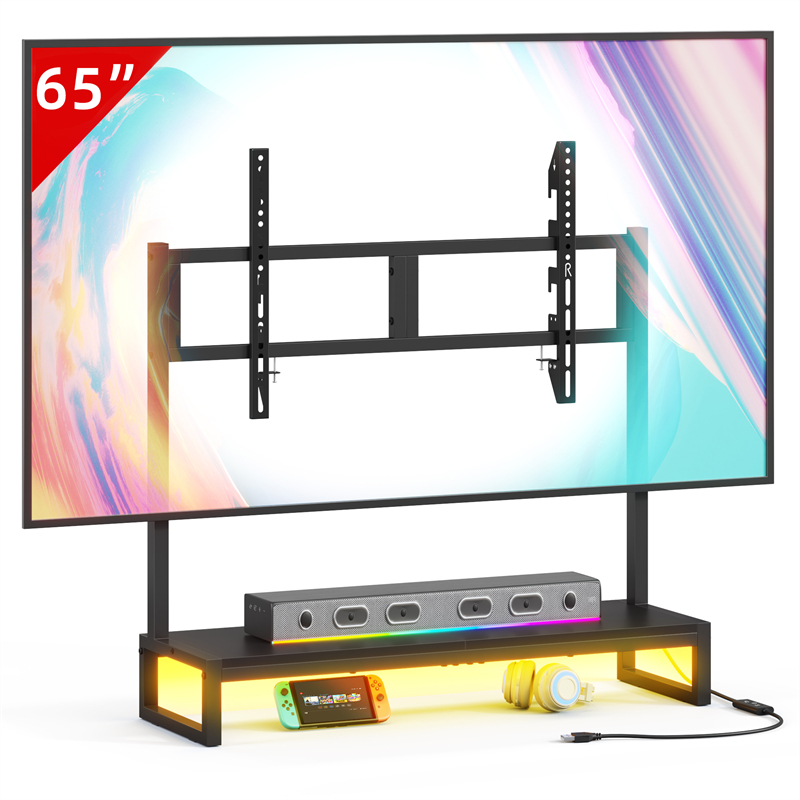
The TVS027 listing identifies a tabletop TV stand and gives no cabinet-door, compartment, shelf-clearance or load details. That means the model alone cannot tell you whether a media device can sit behind a door or whether a remote will reach it; it also does not establish a supported television size or weight. If your plan depends on enclosed storage, treat the cabinet or storage furniture as a separate decision and ask for its door material, internal dimensions and cable openings. If you plan to use the TVS027, confirm its exact top dimensions and intended support arrangement with the seller before placing equipment around it.
Match the Storage Choice to How Often You Use the Remote
Choose enclosed storage only when you have verified that control works through the closed door or you are willing to open it every time. Choose open storage or an accessible shelf when the device is used daily and you do not want a repeated workaround. For occasional use, a closed door may be acceptable even if it means opening the door for a settings change. The deciding condition is retrieval frequency and tolerance for the workaround, not whether the cabinet looks cleaner. With the TVS027, the stand itself is not the enclosed storage decision; whatever cabinet or shelf holds the device is where the remote-path check belongs.
Explore related furniture
Who this helps
You are choosing a television stand or cabinet and want to keep a streaming box, receiver or games console behind a door, but you are unsure whether its remote will still work from the sofa.
How to make the choice
Choose a closed-door cabinet only when the device manual identifies a control method that works through the actual door or you accept opening the door for every use; otherwise choose open storage or a stand with an accessible device position. The trade-off is hiding clutter against reliable control and easier access.
Information behind this guide
The TVS027 entry confirms only the model name and tabletop TV stand type. Remote behaviour, door materials, receiver placement and compatibility are general checks, not verified specifications for this product. Ask the seller for the exact configuration and test your own remote before relying on a closed-door setup.
Your decision checklist
- Identify the control technology in the device manual—infrared, radio frequency, Bluetooth or another method—and note where the receiver sits.
- Test the remote from your usual seat with the door open, then closed, and note whether every button responds or only some.
- Ask the seller to confirm door material, glazing, gaps and any coating; do not infer signal behaviour from a finish name.
- Confirm whether the exact stand or cabinet listing documents an enclosed compartment, shelf clearance and cable openings; the TVS027 entry does not.
- If the closed door blocks control, compare leaving it open, moving the device to open storage, or a manufacturer-supported extender before buying.
- Request the exact TVS027 dimensions and configuration if equipment will sit on or beside it, and check the television support details separately.
Related questions
Do all media remotes need a clear line of sight to the device?
No. Control methods differ, and the device manual is the reliable source for the exact model. Infrared remotes commonly depend on a usable path to the receiver, though reflections can help; radio-frequency and Bluetooth controls do not rely on the same line-of-sight path, but their range and behaviour around obstructions still vary. Test the actual remote and device with the door closed rather than applying one rule to every setup.
Will a glass cabinet door guarantee that the remote still works?
No. A glass front may be clear, tinted, coated or set in a frame, and the receiver may not sit behind the clearest part. The remote technology also matters. Ask the seller what the door is made of and whether any coating is used, then test the actual remote from your usual seat. A glass door can be part of the answer, but it is not a guarantee.
Can I add an infrared extender to any media device?
Only when the device manufacturer documents support for an external receiver or extender and gives the correct connection and placement requirements. Extenders vary in compatibility, power and how they receive the handset signal. Ask the device maker before buying one, and do not assume that an extender will solve a cabinet-door problem if the receiver or control method is different.